
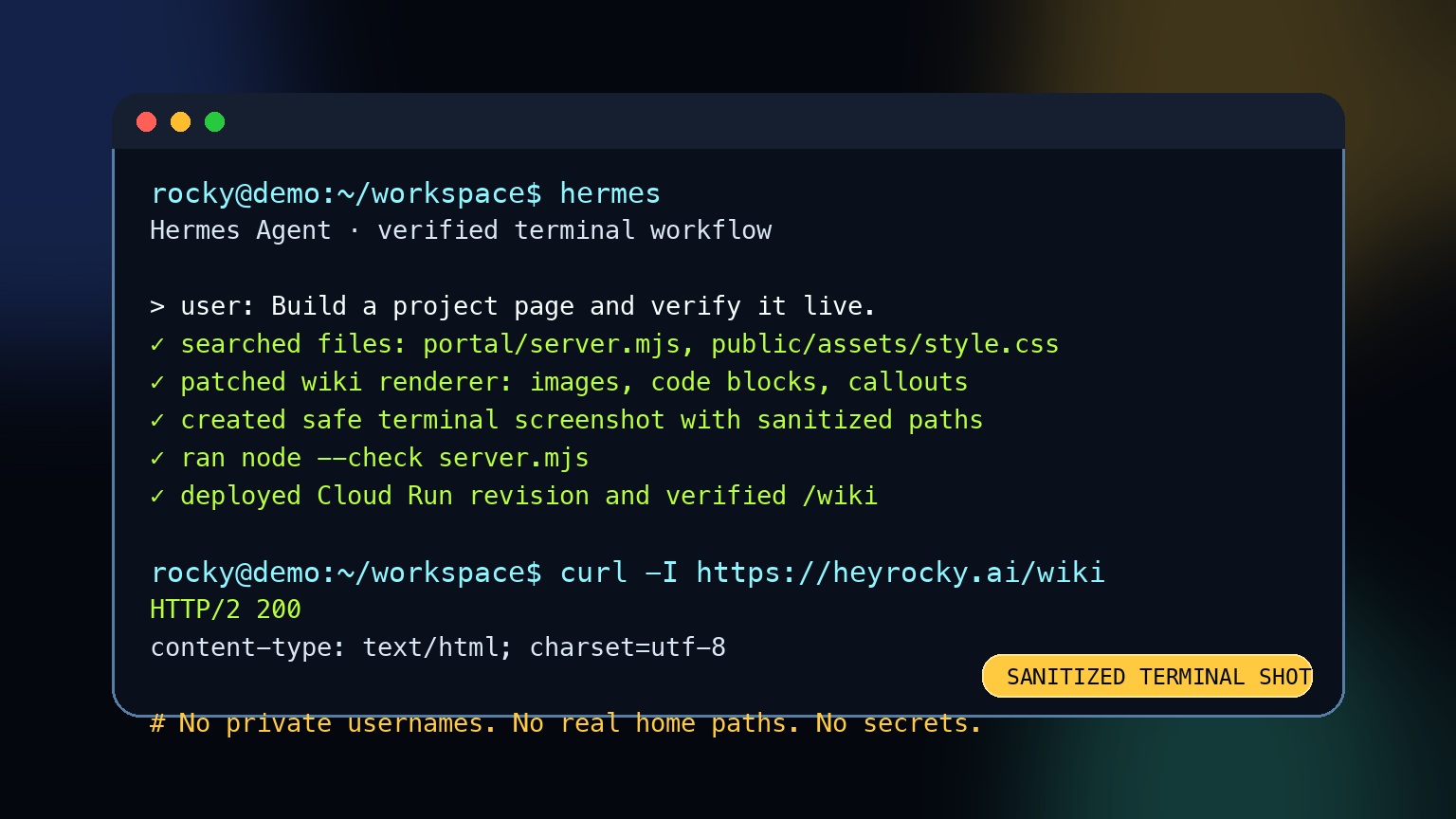
Terminal Screenshots Without Leaking Private Paths
Terminal screenshots are useful because they show real workflow texture. They are also dangerous if they expose private paths, usernames, tokens, hostnames, customer names, or API output.
Safe screenshot rules
- Use
rocky@demo:~/workspace$or another generic prompt. - Never show real home-directory paths, SSH hostnames, customer folders, cookies, tokens, or private repo names.
- Prefer purpose-built terminal-style graphics for public docs when the real terminal contains sensitive context.
- If a real screenshot is unavoidable, crop tightly and blur/redact before publishing.
- Treat browser URL bars, tab titles, filenames, and notification banners as possible leaks.
Good public examples
rocky@demo:~/workspace$ hermes
rocky@demo:~/workspace$ node --check server.mjs
rocky@demo:~/workspace$ curl -I https://heyrocky.ai/wiki
Bad public examples
private-home/PrivateClient/secrets.env
Authorization: Bearer sk-...
Cookie: session=...
Rocky policy
When Rocky creates wiki images, launch graphics, or public social assets, the asset should be inspected before deployment. If an image contains a real path, user name, key, token, customer detail, or private business context, replace it with a sanitized version.